Document sharing tools improve team productivity by keeping all files in one place. People do not waste time searching for documents or asking others for updates. These tools make editing easy because everyone works on the same version. This saves time and helps teams stay focused on important tasks. When information is clear and easy to find, work moves faster and feels more organized.
These tools also reduce confusion and delays. There are no mixed files or outdated versions. Everyone sees changes in real time, which keeps communication simple. They also support remote and hybrid work because team members can access files from anywhere.
Table of Contents
Key Features to Look For
- Easy File Storage and Access: A good tool should let you store files safely in one place. It should also allow team members to access documents anytime they need them. This keeps everything organized and reduces time spent searching for files.
- Real Time Editing and Updates: The tool should allow people to edit files at the same time. Everyone should see changes instantly. This helps teams work together without confusion and prevents version issues.
- Strong Security and Permissions: Security is important because teams share private information. Look for tools that offer permission settings so you can control who can view or edit files. This keeps data safe and reduces risks.
- Smooth Sharing and Simple Links: The tool should make sharing easy. You should be able to send a file link quickly without extra steps. This helps teams communicate better and saves valuable time.
- Integration With Team Tools: A helpful tool connects well with apps your team already uses. This includes communication tools, project tools, and email. Integrations keep your workflow smooth and avoid switching between too many platforms.
Popular Document Sharing and File Management Tools
Google Drive
Google Drive offers cloud storage where teams can keep all their documents in one secure place. It works smoothly with Google Docs, Sheets, and Gmail, which helps people create and edit files together in real time. Sharing is quick because you only need to send a link. It is a strong choice for teams that already use Google tools daily and want smooth teamwork without extra steps.
Dropbox
Dropbox is known for fast syncing and easy file access. When someone updates a file, the change appears on all connected devices right away. You can also bring back older versions if something gets deleted or replaced by mistake. Sharing is simple through links, which makes it useful for teams that send files to others regularly and want a quick way to keep everything updated.
Microsoft OneDrive
OneDrive works well for teams who rely on Microsoft Office. It connects directly with Word, Excel, and PowerPoint, letting people work together on the same document without confusion. Files stay synced across phones, laptops, and desktops. It is a helpful choice for businesses already using Microsoft 365 and looking for smooth storage with built-in editing options.
Dropbox Business
Dropbox Business is made for teams that need more control, more space, and better collaboration tools. It offers advanced sharing permissions, team folders, and options to monitor activity. This makes it easier to manage a lot of documents and keep everything organized. It is ideal for groups handling many clients or projects at the same time.
FileCloud
FileCloud gives teams strong security and full control over their shared files. It offers permission settings, secure links, and detailed activity logs, which helps protect sensitive information. It works across many devices and supports both internal and external sharing. This makes it a good fit for teams that handle private documents and want flexible but protected file management.
Choose the Right Tool
Choosing the right document sharing tool starts with understanding what your team actually needs. Think about how many people will use the tool and the kind of files you handle. Some teams only need simple storage, while others work on documents together every day. When you know your needs clearly, it becomes easier to select a tool that supports your workflow without creating extra steps.
You should also look at how well a tool supports teamwork. Real time editing, smooth syncing, and easy link sharing make daily tasks simpler. A good tool lets everyone access the latest version without confusion. This helps reduce delays and keeps projects moving at a steady pace. Make sure the tool works well on different devices so your team can work from anywhere.
Setting Up a Document Management System
- Organize files in a clear way to match how your team works.
- Create simple folders so everyone knows where documents belong.
- Keep the structure clean to avoid lost or mixed-up files.
- Set access controls so each person can view or edit only what they need.
- Use consistent naming rules to make files easy to find and track.
- Test the system on all devices to ensure smooth syncing and sharing.
- Confirm that links and permissions work correctly before full use.
Security and Access Control
Keeping files safe is very important for any team. Start by setting permissions so each person can access only the documents they need. This prevents accidental changes or unauthorized access. Clearly defining roles ensures that sensitive files are only handled by the right people, which reduces mistakes and keeps work organized.
Use strong passwords for all accounts and, if possible, enable two-factor authentication. This adds an extra layer of protection in case someone’s login details are stolen or guessed. Two-factor authentication makes it harder for hackers to access files even if they have a password.
Monitor who accesses files and what changes are made. Many document management tools offer detailed activity logs showing who viewed, edited, or shared a document. Reviewing these logs regularly helps identify unusual activity and keeps the team accountable for their work.
Conclusion
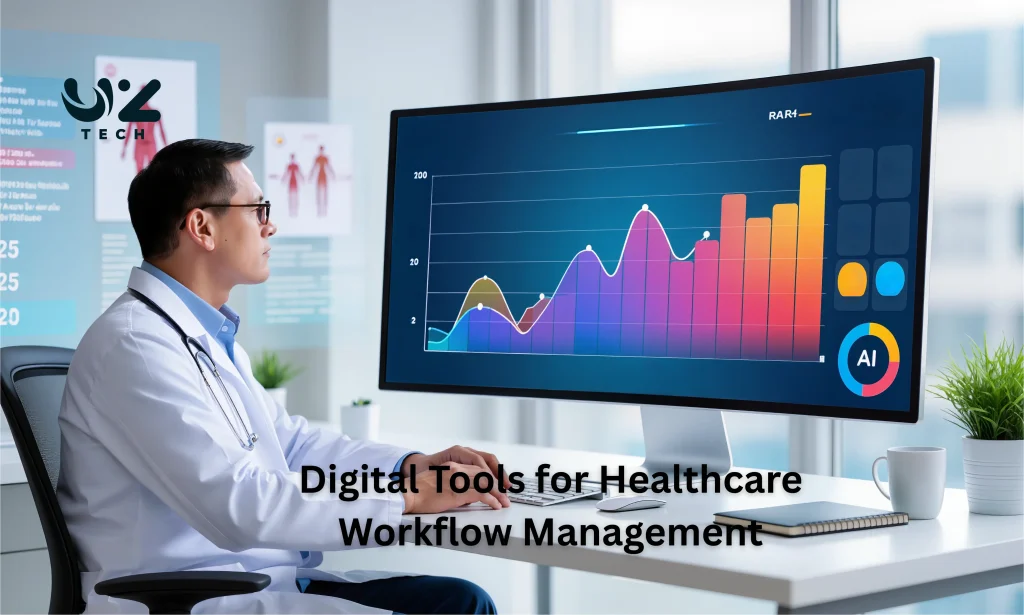
Digital tools for healthcare workflow management help teams work faster and stay organized. They make patient records easy to access, improve communication, and reduce errors. Staff can focus more on patient care instead of paperwork. Using the right tools keeps processes smooth, saves time, and ensures better service for patients while supporting the team’s daily workflow efficiently.