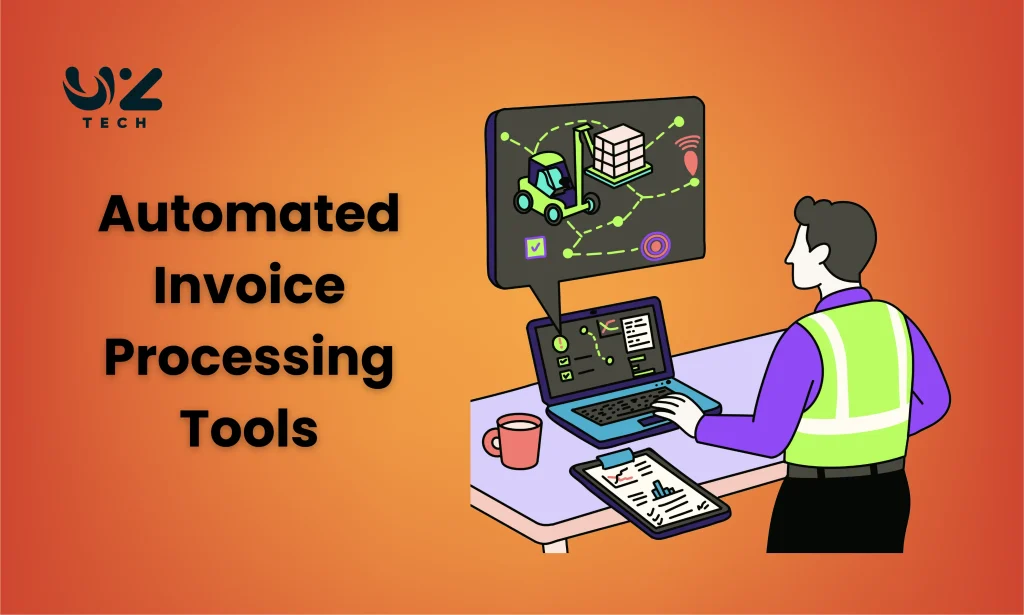
Automated invoice processing tools help businesses handle invoices without manual work. These tools capture invoice data automatically. They read invoices using smart technology. The system checks details like vendor name, amount, and due date. It matches invoices with purchase orders. It also sends invoices for approval. This reduces paperwork and saves time. Teams do not need to enter data again and again.
Invoice automation matters because modern businesses need speed and accuracy. Manual invoice handling slows work down. It increases mistakes and delays payments. Automation removes these problems. It improves cash flow visibility. Finance teams know what is paid and what is pending. Vendors are paid on time.
Table of Contents
What Automated Invoice Processing Is and How It Works
Automated invoice processing is a system that handles invoices without manual effort. It uses software to collect invoice data from emails, PDFs, or scanned files. The system reads key details like invoice number, dates, amounts, and supplier names. This removes the need for manual data entry. Work becomes faster and more accurate from the start.
The process begins when an invoice is received. The tool captures the invoice and extracts data using OCR and AI. The data is then checked for errors and missing fields. If something looks wrong, the system flags it. This helps reduce payment issues and duplicate invoices.
After validation, the invoice moves through an approval workflow. Rules decide who reviews and approves it. Approvals happen digitally and quickly. Once approved, the invoice is sent to the accounting system for payment. Every step is tracked and visible.
This automation improves control and transparency. Teams know the invoice status at all times. Payments happen on schedule. Costs stay managed. The system keeps records organized and audit-ready.
Features of Automated Invoice Processing Tools
- Automatic Invoice Data Capture: The tool collects invoices from emails, scans, and online portals. It captures data as soon as the invoice arrives. This removes manual uploading and speeds up the process.
- OCR and AI-Based Data Extraction: OCR and AI read invoices in different formats and layouts. They extract key details like invoice numbers, amounts, and dates. Accuracy improves over time with continuous learning.
- Invoice Validation and Error Detection: The system checks data against purchase orders and records. It detects missing fields, duplicates, and incorrect values. This reduces rework and payment issues.
- Automated Approval Workflows: Approval rules are set based on amount or department. Invoices move automatically to the right reviewers. This shortens approval cycles and avoids delays.
- Integration with Accounting Systems: The tool syncs with accounting and ERP platforms. Approved invoices are posted automatically. This keeps books updated without extra effort.
- Real-Time Tracking and Reporting: Users can view invoice status at any stage. Reports show pending, approved, and paid invoices. This helps with planning and cash flow control.
Types of Automated Invoice Processing Tools
Cloud-Based Invoice Processing Tools
These tools are hosted online, so no software installation is needed. Users can access and manage invoices from any location or device. Automatic updates and backups are included. This type is ideal for small and growing businesses that need flexibility and remote access without extra IT resources.
AI-Powered Invoice Processing Tools
AI and machine learning help these tools read complex invoice layouts. They extract data accurately, even from different formats or languages. The system learns from past invoices, improving speed and precision over time. High-volume businesses benefit the most, as manual checks are minimized and errors are reduced.
ERP-Integrated Invoice Processing Tools
These tools connect directly with ERP or accounting systems. Invoices are automatically synced, reducing duplicate entries and errors. Financial data stays consistent across departments. This type is best for medium to large businesses needing seamless integration with existing workflows.
End-to-End Invoice Automation Platforms
These platforms manage the entire invoice lifecycle, from capture to payment. They include features like approvals, compliance checks, and reporting dashboards. Businesses gain full visibility and control over cash flow. This type suits large organizations with complex and multi-department invoice processes.
Choose the Right Invoice Automation Tool
Choosing the right invoice automation tool starts with understanding your business needs. Look at how many invoices you handle each month. Check the types of invoices you receive. If your volume is high, pick a tool that handles bulk processing well. If your invoices vary in format, choose one with strong AI and OCR features.
Next, think about integration. The tool must work with your current accounting or ERP system. Good integration means fewer errors and less manual work. Also check how easy the tool is to use. A simple interface helps your team adopt it faster. Training time and support should be minimal.
Cost is another key factor. Compare pricing plans and hidden fees. Some tools charge by invoice volume, others by user. Pick a plan that fits your budget and growth plans. Don’t choose the cheapest option if it lacks important features.
Benefits of Using Invoice Automation
Saves Time and Effort
Invoice automation reduces manual data entry by capturing invoices directly from emails, scans, or digital files. Validation and processing happen automatically. Teams spend less time on repetitive tasks, approvals are faster, and payments are completed on schedule. This speeds up the entire finance workflow.
Reduces Errors
Manual entry often leads to mistakes such as duplicate payments, wrong amounts, or missing data. Automation tools cross-check invoices against purchase orders and previous records. Errors are flagged early, reducing financial risks and improving accuracy across the system.
Improves Cash Flow Management
Automated systems provide a clear view of pending, approved, and paid invoices. Businesses can plan payments efficiently, avoid late fees, and manage cash flow better. Timely payments improve vendor trust and strengthen business relationships.
Boosts Productivity and Efficiency
Teams spend less time chasing approvals or looking for invoices. Automation allows real-time tracking and instant reporting. Workflows become smoother, and staff can focus on strategic tasks, increasing overall productivity and operational efficiency.
Enhances Compliance and Audit Readiness
Automated tools maintain detailed records of all invoices, approvals, and changes. This ensures compliance with financial regulations. During audits, businesses can quickly access accurate records, making the process simpler and more transparent.
Conclusion
Automated invoice processing tools make handling invoices faster and easier. They reduce manual work and errors. Teams can track, approve, and pay invoices on time. Cash flow improves, and operations become more organized. These tools save time, boost productivity, and ensure compliance. For any business handling multiple invoices, automation is a smart and necessary choice today.